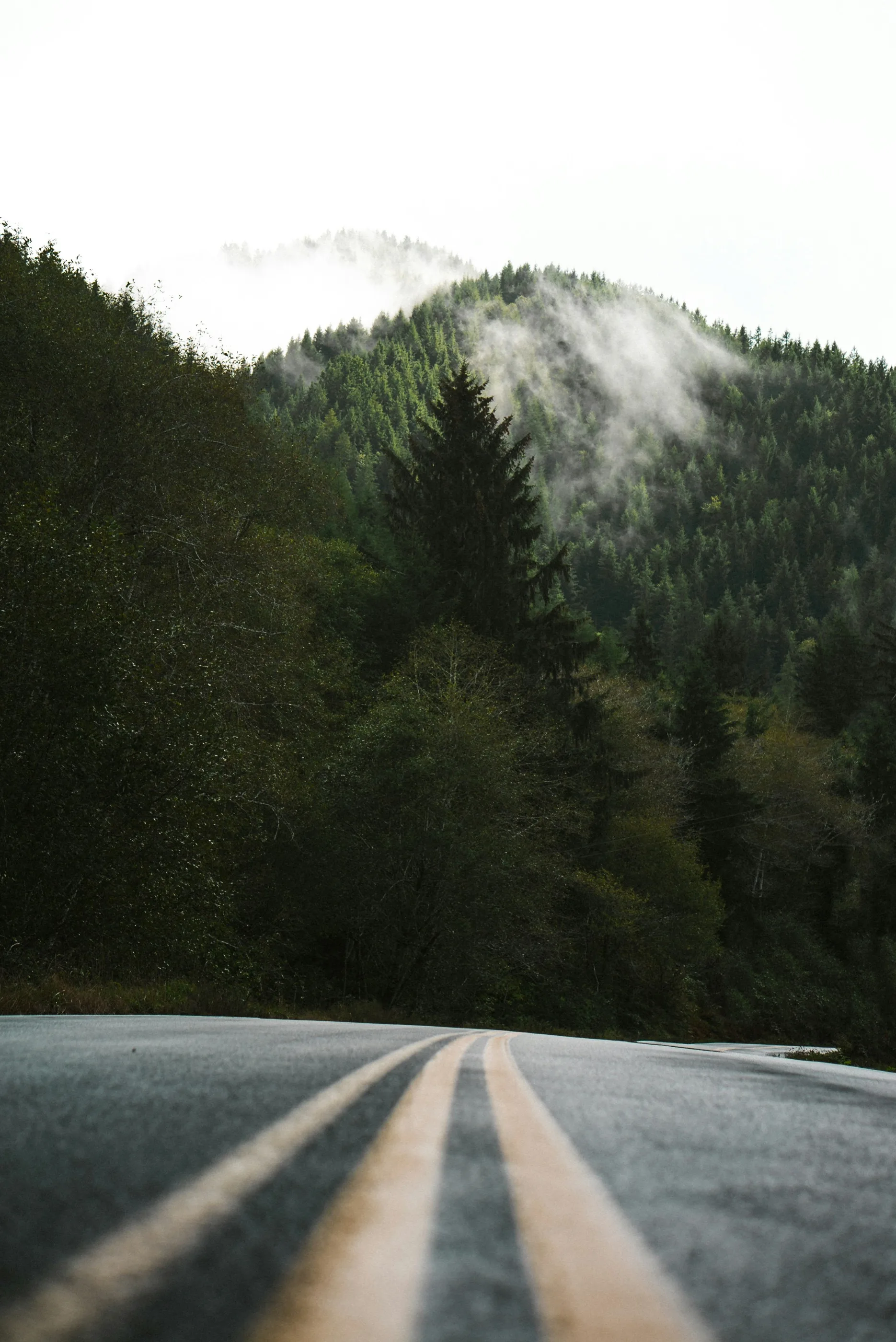
Pick a route.
Choose a walk, a run, or a ride, then start.

Most apps replay a workout. TerraFlo replays a place. The road on screen is the road that was filmed, with GPS locked to the video.
Amsterdam is a 1.5-mile walk at 0.5% average grade. Spruce Mountain is a 7.0-mile run at 2.3% average grade. Plum Creek is an 18.3-mile ride at 0.7% average grade, and Castlewood is an 18.4-mile ride at 1.2% average grade.

The video follows your speed.The grade can follow the hill.You start the belt.
Pick a route. TerraFlo reconnects the treadmill or trainer you already own.
Choose a walk, a run, or a ride, then start.
TerraFlo pairs with the treadmill or smart trainer you already own and remembers what that machine can do.
If you already have music or an audiobook playing, TerraFlo leaves it. If nothing is playing, it starts your Apple Music playlist.
You start the treadmill belt. TerraFlo never does. The video follows your effort.
On iPhone (or iPad) and Apple TV, join the beta.
The treadmill in your house. A filmed road on screen.
A walk and a run are the same session. Pick the route, then go.
Speed and heart rate sit at the edges of the picture.
Walks, runs, and rides are in the catalog. Hiking is a route type you can upload in Studio. None are published yet.
The Home tab is where a session starts: a suggested route, recent activity, and the equipment you have already paired. There is no streak to protect.

Pick a ride. Power drives the video. Grade can shape resistance when your trainer exposes it.
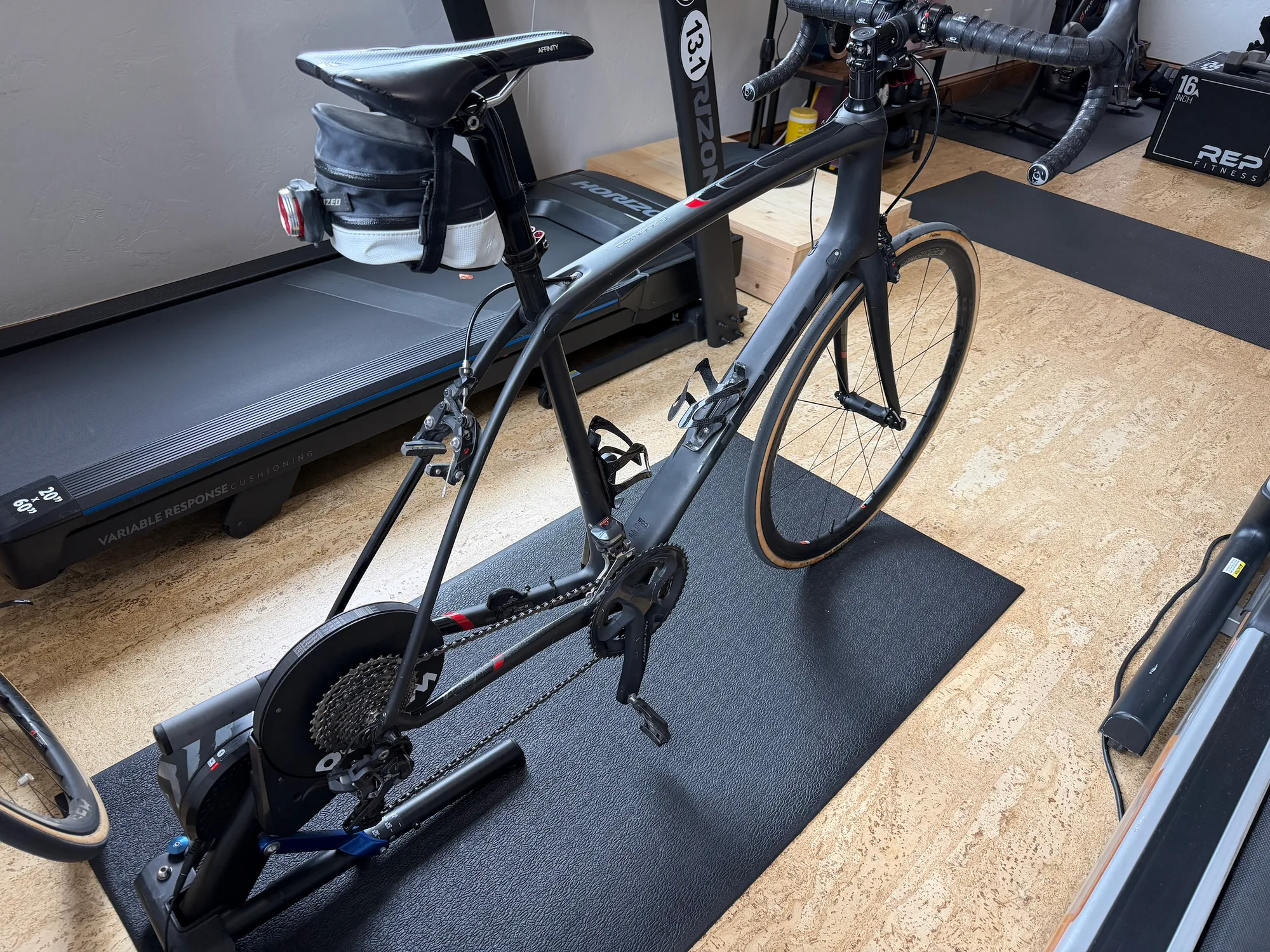
If your trainer connects over Bluetooth, pair it. Power drives the video, and route grade can shape resistance when the trainer exposes that control. The equipment guide names the trainer families.
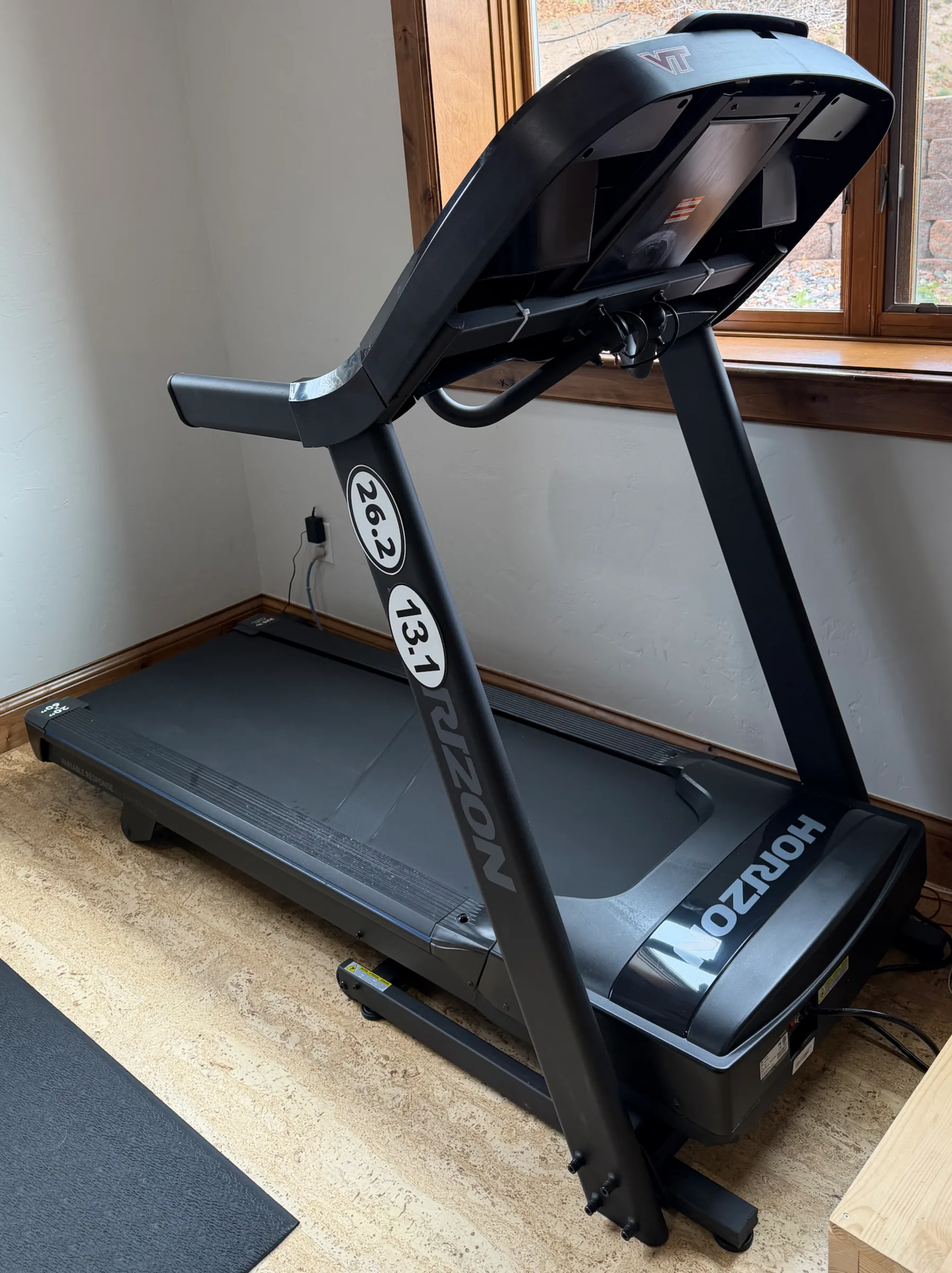
If your treadmill connects over Bluetooth, pair it. The equipment guide covers Horizon, Sole, NordicTrack, Bowflex, and ProForm, including which decks speak FTMS and which stay limited.
The TV is the workout screen, so you can read speed and heart rate from the treadmill or trainer.
iOS · Android · macOS · tvOS · watchOS. You can start now on iPhone (or iPad) and Apple TV. Mac and watch companions are in active development.

The route fills the TV. Live metrics stay at the edge. A phone or watch nearby can add control without becoming the screen you train on.
Explore Apple TV and big screensRecord a road with a GoPro or a phone. Studio aligns the footage to the GPS track, lets you trim interruptions, and previews overlays before you publish or export.

Publish a route. A published route can become a walk, run, or ride someone else can do indoors, once publishing is enabled and the route has been reviewed.
Or export a finished video. Skip publishing. Studio can render your live metrics, minimap, and elevation onto the footage and export an MP4 for wherever you already share.
Studio's deepest editing tools are on macOS today. Mobile creation and editing support is rolling out by platform.
Availability, how a session works, equipment, and safety. Studio and exports are here too.
On iPhone (or iPad) and Apple TV, join the beta and pick a route. Android is coming soon. Sign up for the beta when it is available.
Most apps replay a workout. TerraFlo replays a place. Route video is paired with GPS, so the road, the metrics, and your effort stay tied together as you walk, run, or ride.
You can browse public routes, explore the app shell, set up devices, and use local Studio workflows without starting from a login wall. An account is needed for activities, workout history, publishing, subscriptions, and connected-service sync.
If your treadmill connects over Bluetooth, TerraFlo will pair it and learn it, including models that are not listed on the brand pages. TerraFlo also pairs smart trainers and sensors such as heart-rate monitors, cadence sensors, power meters, foot pods, and watches. Exact incline or resistance still depends on what that unit exposes. Two machines of the same brand can differ.
No. You start the treadmill. TerraFlo never starts or resumes the belt. Incline can follow the route when your equipment and safety settings allow it.
Yes. Pick a ride. Measured power drives the video, and route grade can shape resistance when your trainer exposes that control.
You can start now on iPhone (or iPad) and Apple TV. Mac and watch companions are in active development.
Yes. If you already have music or an audiobook playing, TerraFlo leaves it. If nothing is playing, it starts your Apple Music playlist.
Studio imports GPS video, aligns a filmed road, then publishes a route or exports a finished video.
Completed sessions can export to Strava, Apple Health, Health Connect, or a TCX file. Exports are labeled indoor.
Join the beta. Android signup is below.
By submitting you agree we may use your responses to tell you when Android is ready, and to plan equipment support. Data controller: Hidden Mesa Labs, LLC — contact privacy@terraflo.fit for data requests. We keep your responses for up to 24 months or until you ask us to delete them. By submitting, you confirm you are 18 or older.