TerraFlo learns your equipment
Pair over Bluetooth. It finds the controls, the signals, and the limits, then adapts as you use the machine.
 Account
Product
GPS video follows your effort. Route grade can drive incline or resistance when the machine exposes it.
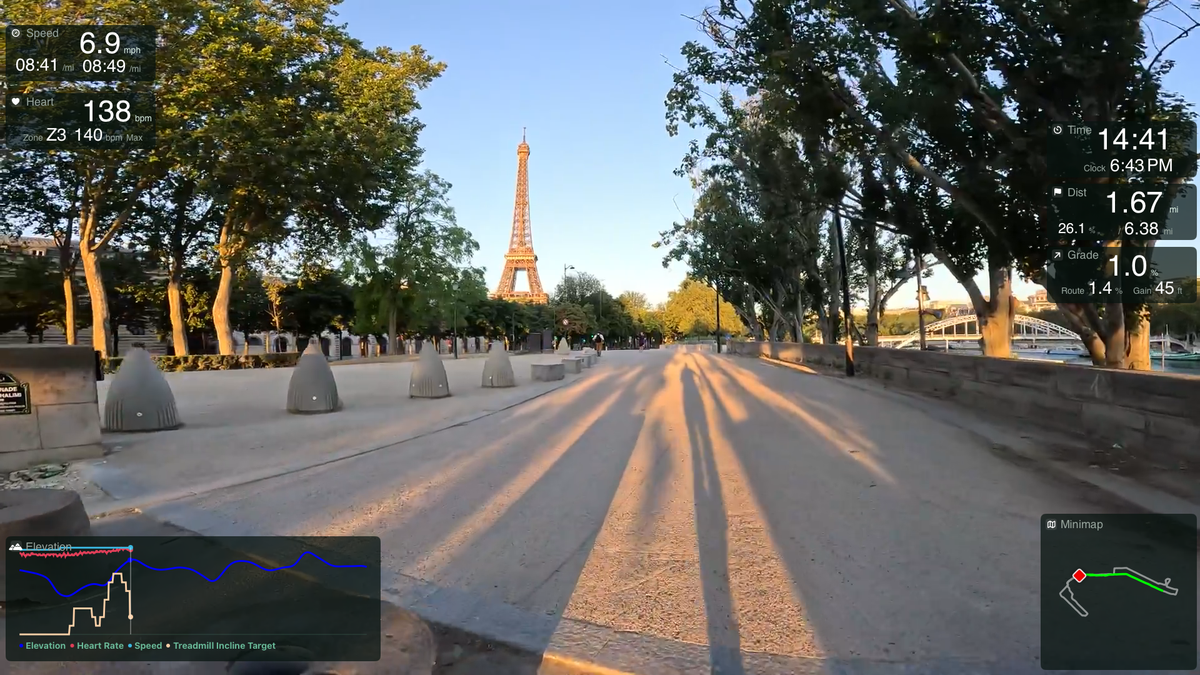
Pick a route and start moving. Faster when you push, slower when you ease off, waiting when you stop. A walk, a run, and a ride are the same session.
If you already have music or an audiobook playing, TerraFlo leaves it. If nothing is playing, it starts your Apple Music playlist.
You start the treadmill belt. TerraFlo never does. Route grade can drive incline or trainer resistance inside the limits your equipment reports. Studio is how a filmed road gets into TerraFlo.
TerraFlo learns your equipment. Pair over Bluetooth. It finds the controls, the signals, and the limits, then keeps learning that setup over time. You do not fill in a spec sheet.
Pair over Bluetooth. It finds the controls, the signals, and the limits, then adapts as you use the machine.
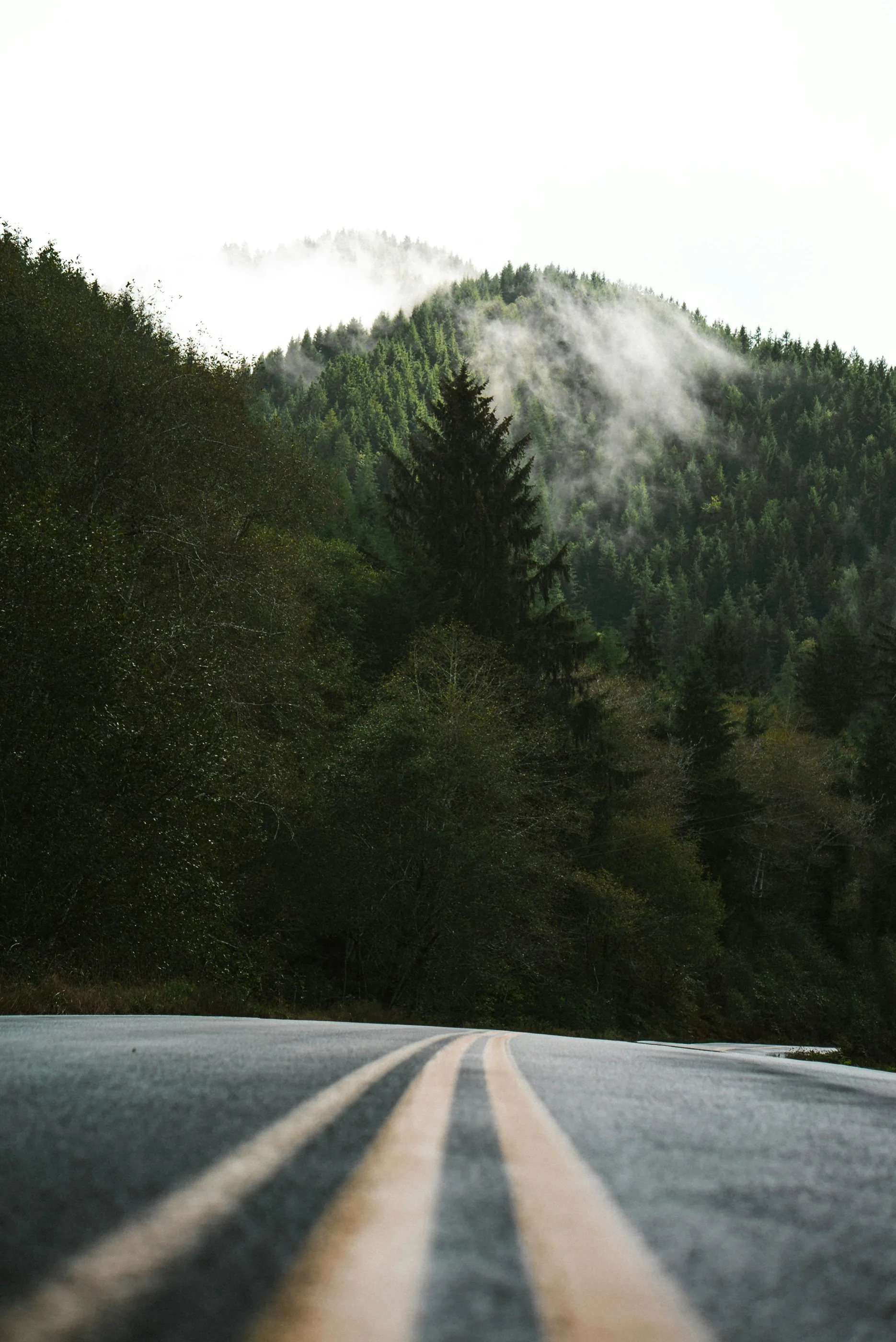
The video was filmed on that road with GPS, so playback speed is your speed. Grade from that track can move a compatible treadmill or trainer.
Speed, heart rate, grade, elevation, and a small map sit at the edge of the screen. You can arrange them to fit your setup.
Finished sessions can land in one activity history, with later passes of the same road side by side.
These pages cover the TV, safety, exports, and how TerraFlo fits other treadmill video.
The TV is the workout screen, for a treadmill or a trainer.
Explore →You start the belt. Incline stays bounded.
Explore →Strava, Apple Health, Health Connect, or a TCX file, labeled indoor.
Explore →How TerraFlo fits next to Kinomap, Zwift, iFIT, and console video.
Explore →